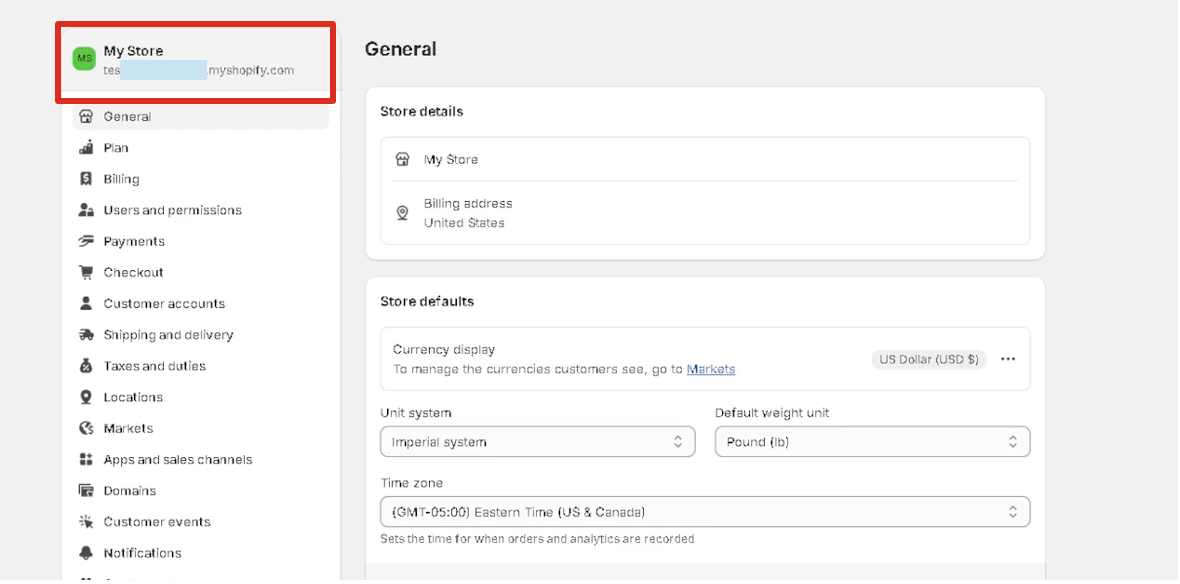
Finding your Shopify Store ID
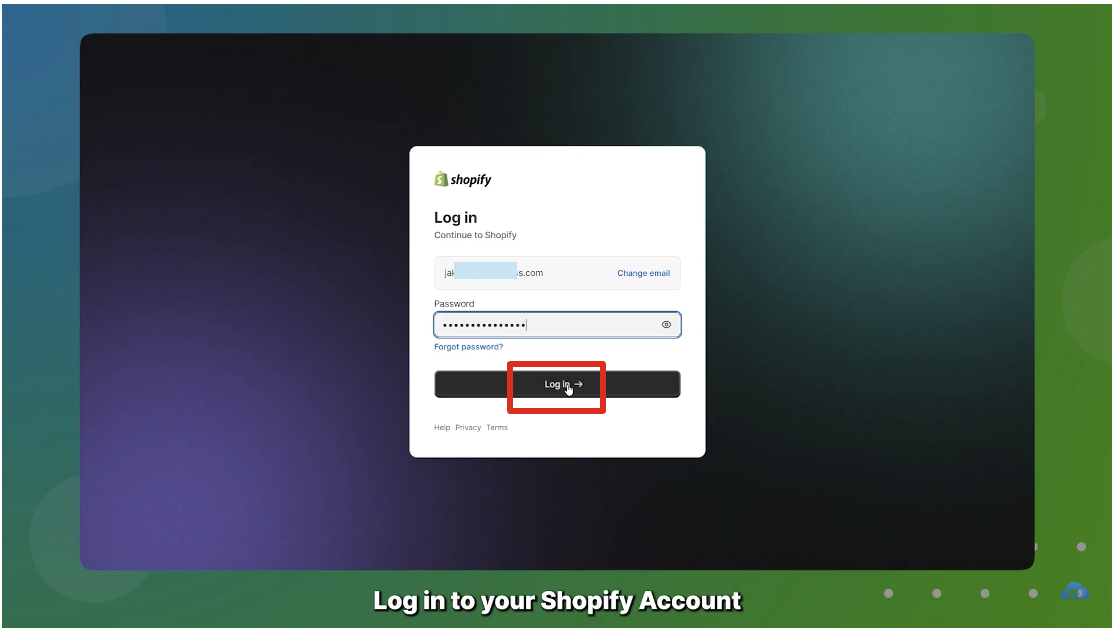
Step 1: Log in to your Shopify account
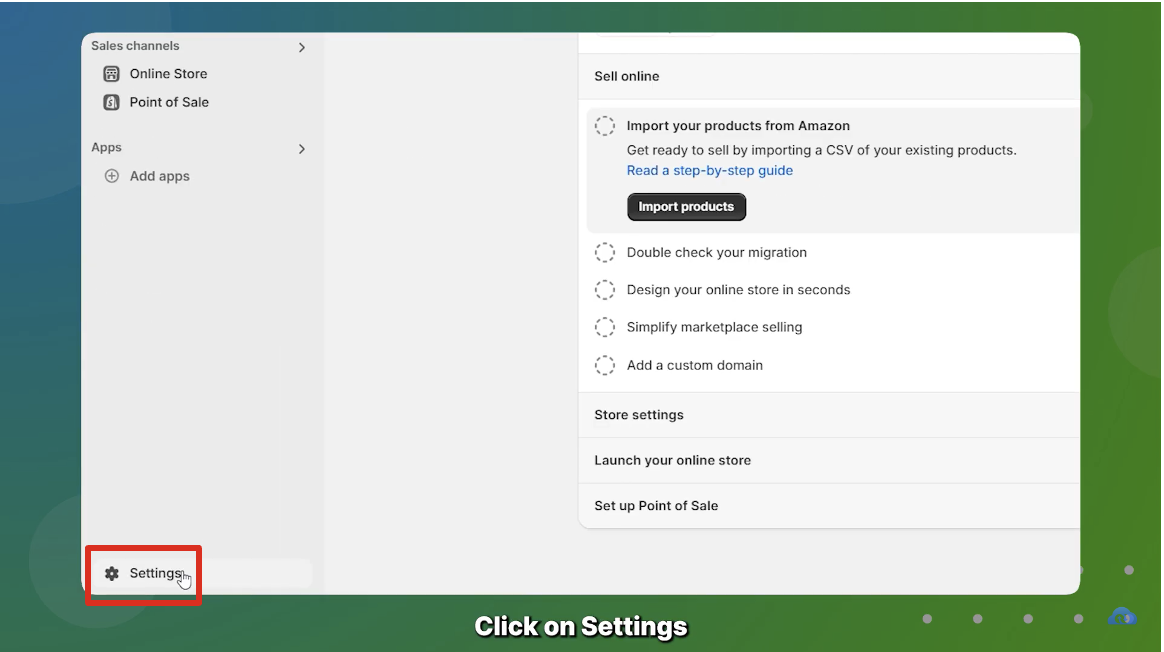
Step 2: Once you are on your account, click on the Settings button in the bottom left corner.
Step 3: You'll be able to see your Store ID in the top left corner. It should be something like yourbrandname.myshopify.com