Theme Code Editor Setup
For direct code integration on Shopify:
Navigate to Theme Editor
- Go to your Shopify Admin Panel
- Navigate to Online Store → Themes
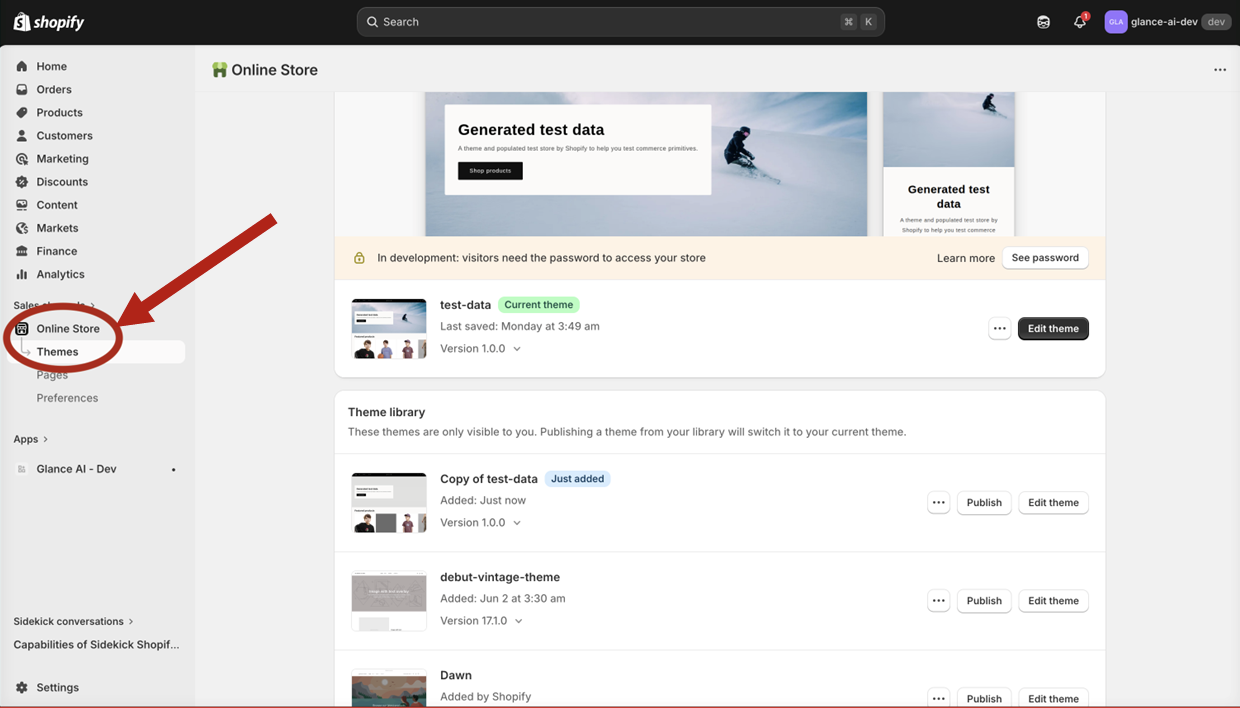
- Click the three-dot menu (⋯) on your active theme
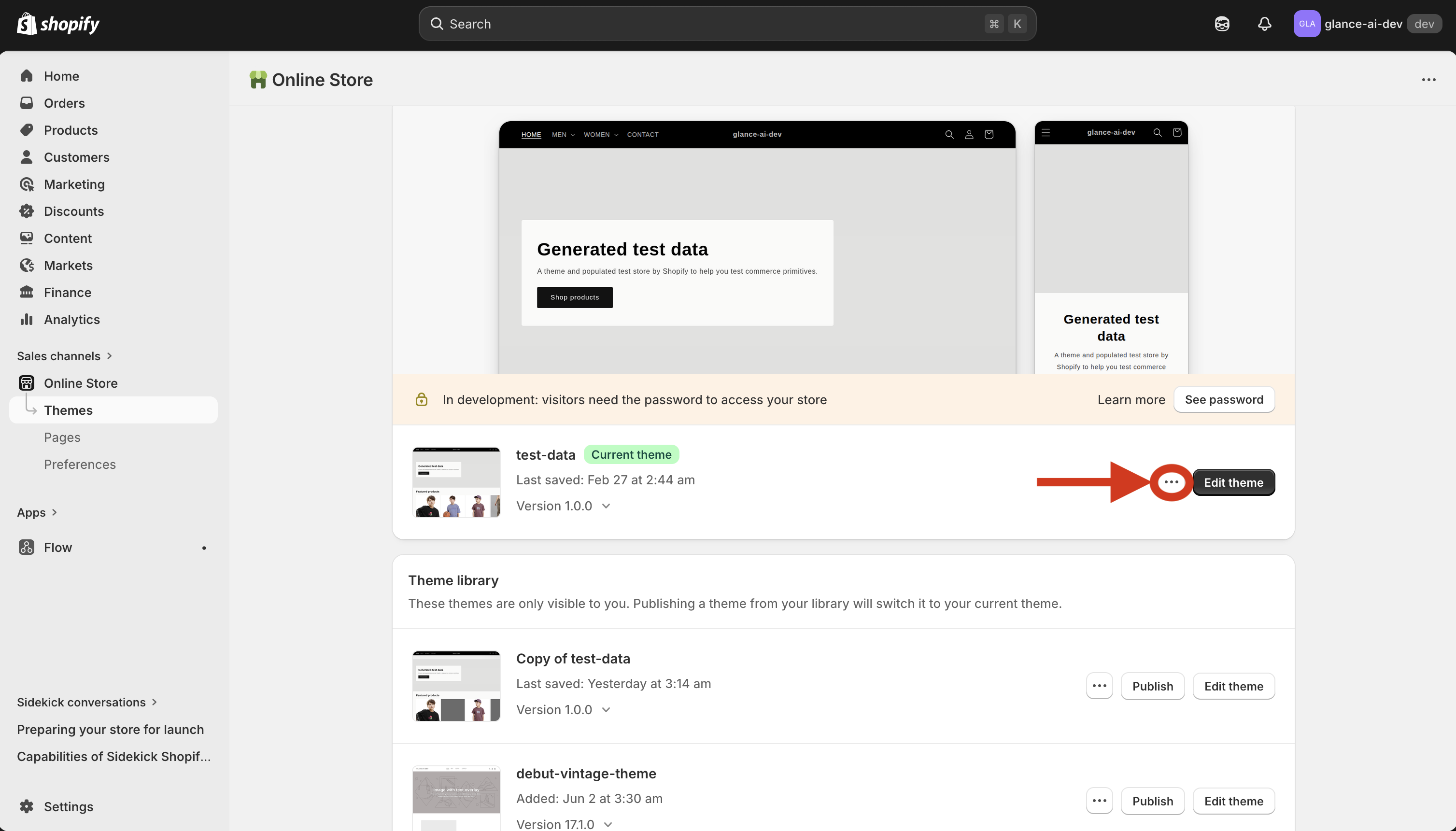
- Select Edit code
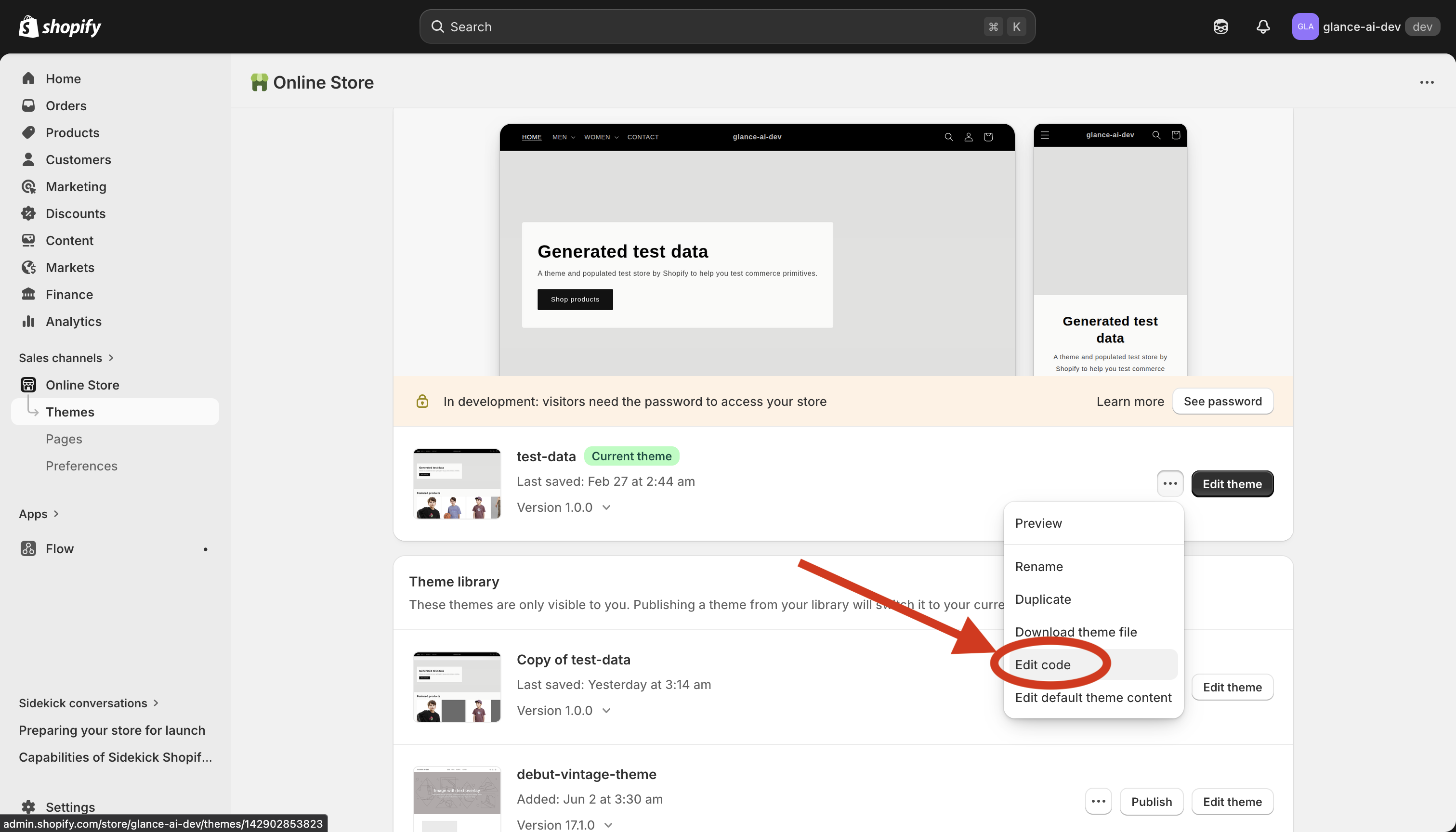
Choose the Correct File
Widgets only work on the following liquid files (in the Sections folder):
| .liquid File | Widget Location |
|---|---|
main-product.liquid |
Product pages |
main-collection-banner.liquid |
Collection banner |
main-collection-product-grid.liquid |
Collection product grid |
header.liquid |
All pages (header) |
footer.liquid |
All pages (footer) |
Important
Widgets are only supported on the files listed above.
Add the Code
- Open the chosen .liquid file
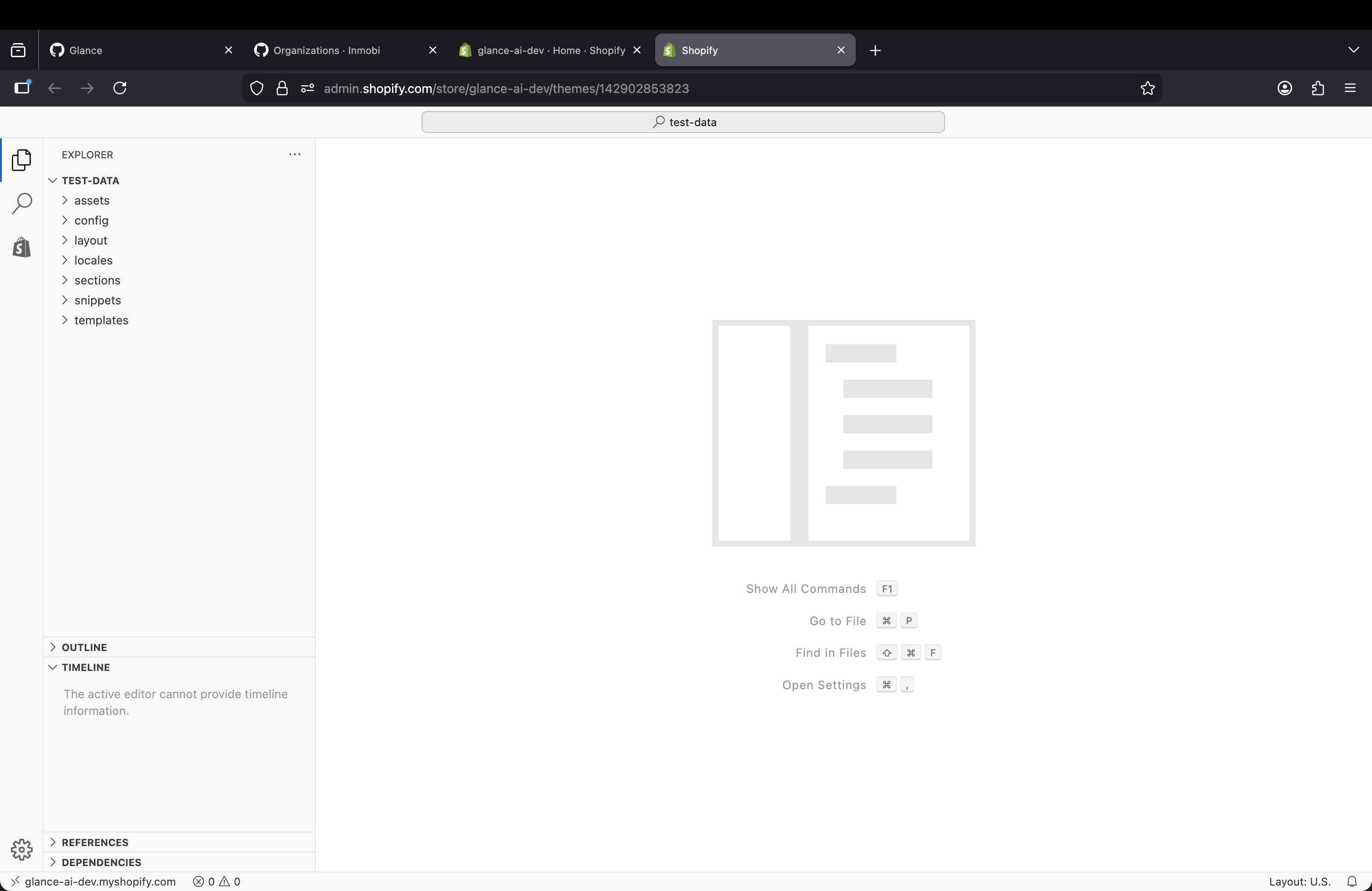
- Locate where you want the widget to appear:
- For product pages: Add in
main-product.liquidafter the product description - For collection pages: Add in
main-collection-banner.liquidormain-collection-product-grid.liquid -
For header/footer: Add in
header.liquidorfooter.liquid -
Paste the complete code snippet
- Click Save